Technical Glitch

MCX Not Working

MCX Not Working: How Can Traders Report Such Issues?

Imagine this: it’s commodity trading hours. The commodity market is open. Gold is moving. You need to exit a position, now. You hit the button. Nothing happens. You refresh your trading app, and the screen is frozen.  By the time the system comes back online, the price has moved ₹2,000. Your stop-loss never fired. The […]


MCX Complaints

MCX Complaints: How To Register A Case Online?

Every second matters when you’re trading commodities. A delayed order, a frozen screen, or a platform that refuses to load isn’t just a minor technical glitch; it can cost you real money within minutes. For traders dealing in gold, silver, crude oil, or base metals, even a brief disruption during market hours can mean missed

Kite Zerodha Glitch

Kite Zerodha Glitch: How To Report Such Issues?

Let’s be honest, a freezing screen at the worst possible moment is every trader’s nightmare. Picture this: you’ve spotted the perfect entry point, your finger is hovering over the “Buy” button, and then, nothing. The app just hangs. That spinning wheel of doom shows up, and suddenly your heart is racing faster than the market

MCX Glitch

MCX Glitch: What Really Happened on March 17, 2026?

On March 17, 2026, a number of commodity traders reported unexpected problems while trading on platforms connected to MCX (Multi-Commodity Exchange). Orders weren’t going through. Stop-losses were misfiring. Some traders couldn’t even log in. What made it worse?  There was no official statement from MCX. No media coverage. No acknowledgement anywhere. If you were one

Sharekhan App Not Working

Sharekhan App Not Working: How Do I Report Such Issues?

Many traders realise something is wrong only after the market opens. You log in to the trading app to place an order, but the app keeps loading, the login fails, or the order does not go through. When this happens, the first reaction is usually to search online for “Sharekhan app not working” to check

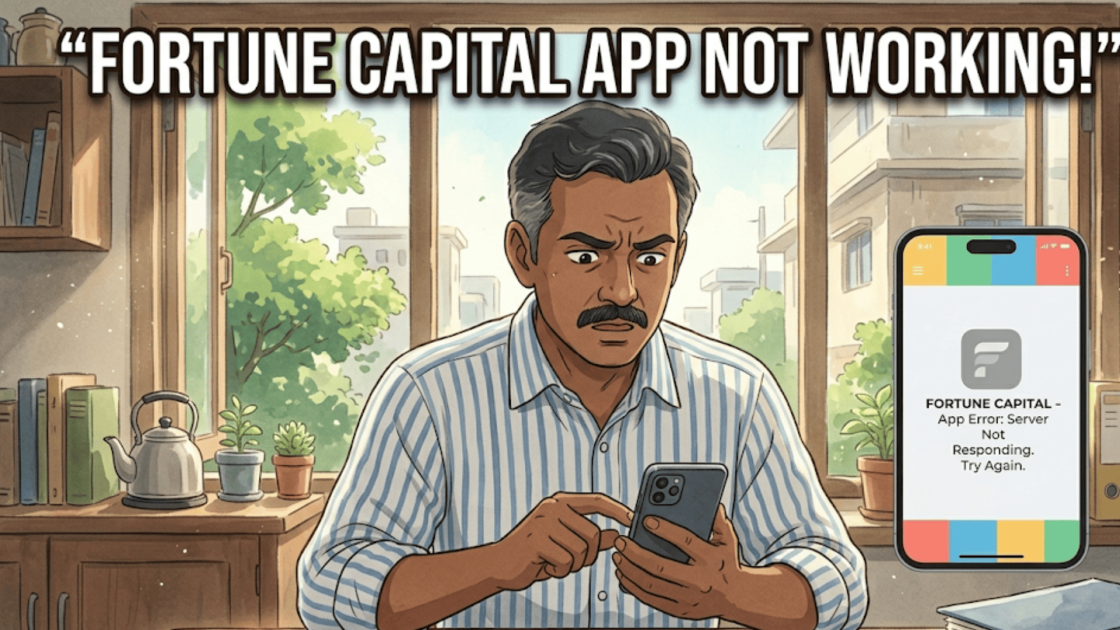
Fortune Capital App Not Working

Fortune Capital App Not Working: Steps To Report Such Issue

You open your trading app during market hours, ready to place or exit a trade. But instead of loading normally, the platform slows down, fails to log in, or does not execute orders. Situations like this can feel frustrating, especially when markets move quickly and traders need to act in real time. Some investors report

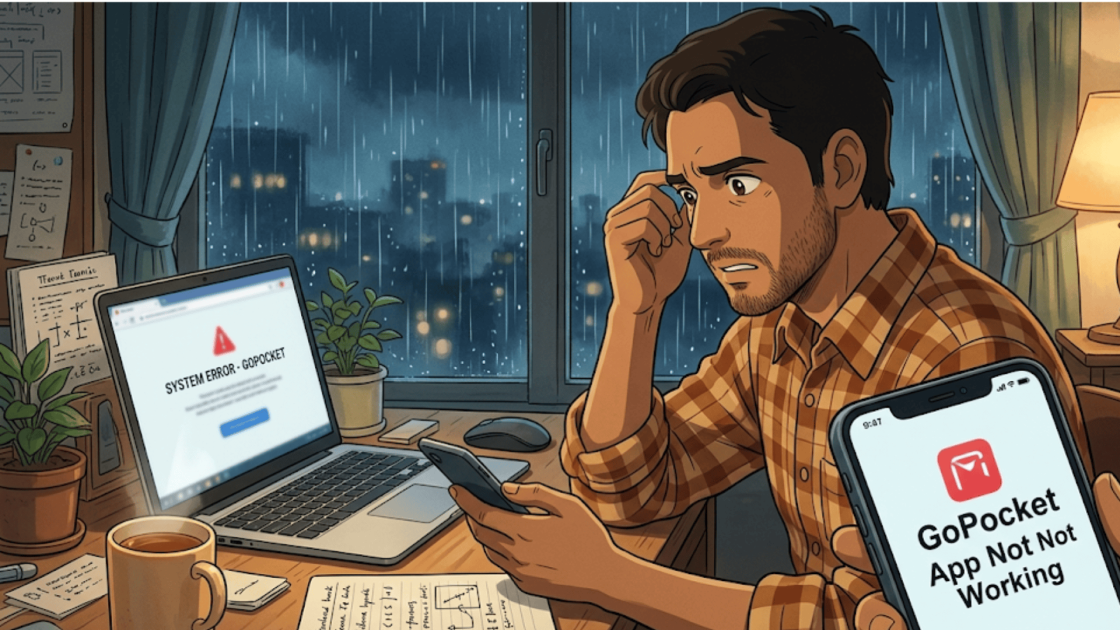
GoPocket App Not Working

GoPocket App Not Working: Where Can I Report Such Issue?

Mobile trading apps have made investing much easier for modern traders. With just a few taps, users can monitor stock prices, review their holdings, and execute trades instantly.  Many investors rely on these apps throughout the trading day to stay updated with market activity. However, there are times when the GoPocket app may not function

Sahi App Not Working

Sahi App Not Working: Steps to Report Such Issues

For many traders, mobile trading apps have become the easiest way to stay connected with the stock market.  Investors use these apps daily to check stock prices, manage their portfolios, and place trades quickly.  Most of the time, everything works smoothly. However, there are moments when the Sahi app may suddenly stop responding or fail

INDmoney App Not Working

INDmoney App Not Working: Where To Report Such Issues?

Online investment apps have made it very easy for people to manage their finances and investments from their smartphones.  Investors use these apps to check stock prices, track portfolios, invest in mutual funds, and even buy stocks. One such popular platform is the INDmoney app, which allows users to invest in Indian markets and track

SBI Securities App Not Working

SBI Securities App Not Working: Steps to Report Such Problem

Imagine a trader watches the market closely on the screen as prices move rapidly. Just as the perfect moment to place a trade appears, the app freezes. The numbers stop updating, the order button refuses to respond, and a loading symbol spins endlessly.  Seconds feel unusually long. Is it the internet, the platform, or something

Reliance Securities App Not Working

Reliance Securities App Not Working: Quick Reporting Steps

You open the Reliance Securities trading app during market hours to place a trade, but the app does not load properly or the order fails to execute. For traders who rely on quick execution, even a short disruption can be frustrating. When investors search for “Reliance Securities app not working,” they are usually referring to

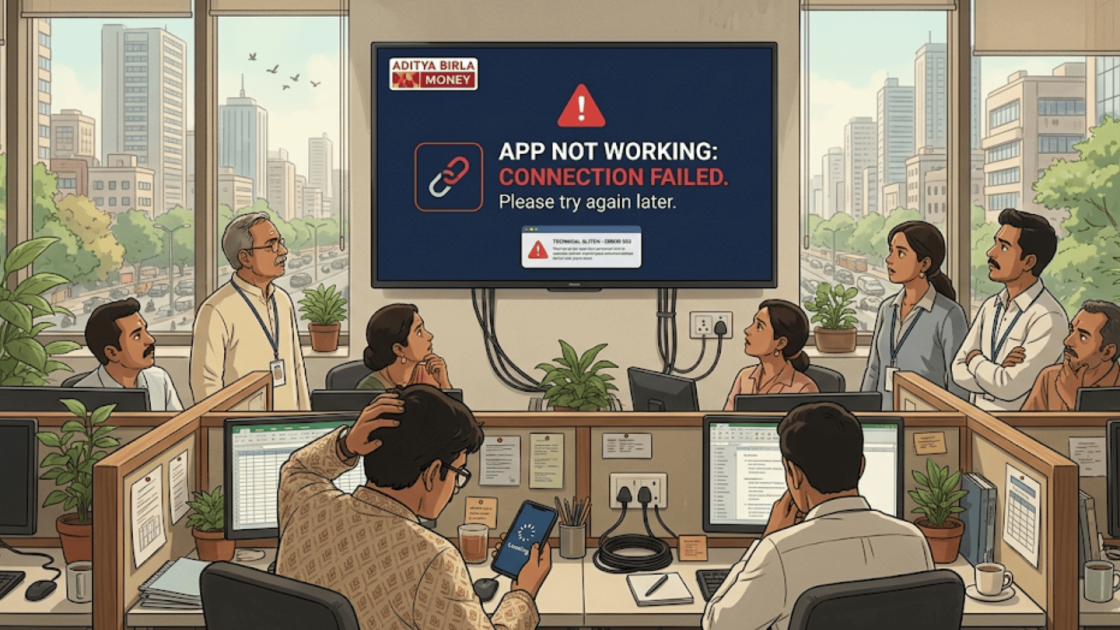
Aditya Birla Money App Not Working

Aditya Birla Money App Not Working: Easy Reporting Process

For most investors, checking their trading app is a regular part of the day. They log in to review their portfolio, track market movements, and place trades whenever opportunities appear. Everything usually works smoothly until the app suddenly stops responding or behaves in an unusual way. When the Aditya Birla Money app does not work

loader

FraudFree Support

We're online — reply instantly
Scroll to Top