
Quick Summary
Aditya Birla Money app not working becomes a reportable glitch when it lasts five minutes or more during a trading session. SEBI’s January 2026 circular gives brokers two hours to tell the exchange and clients, one day for a preliminary report and 14 working days for a root cause analysis. NSE has no separate app category, so such complaints mostly sit under Type V, service related, which stood at 27 in 2025-26. This guide explains what counts, what an outage costs you and how to report it.
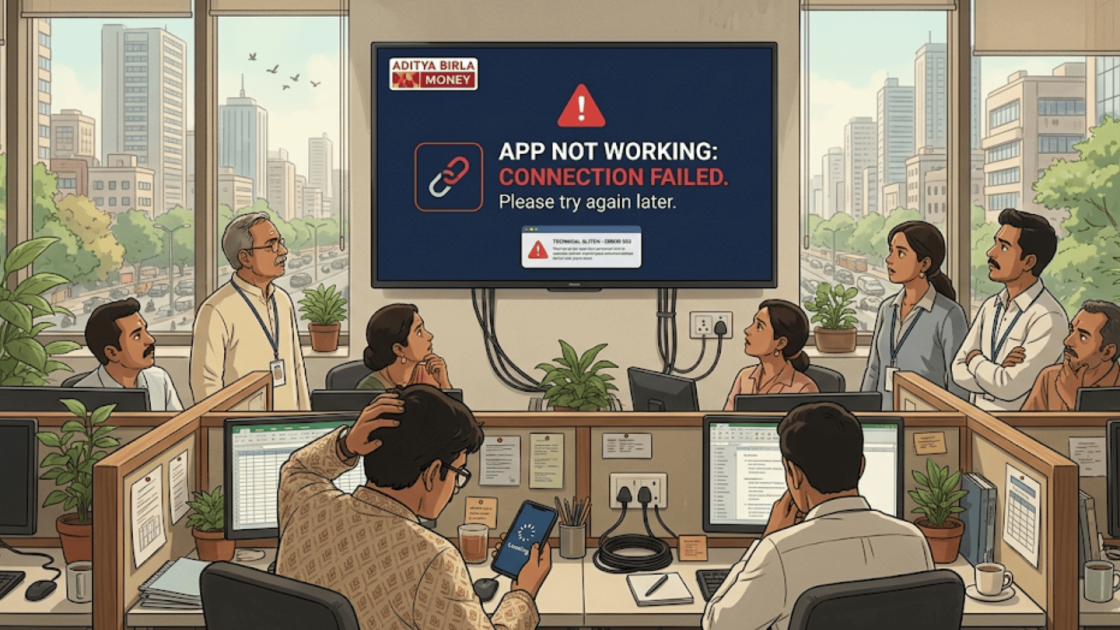
You open the app to check a trade, and the screen just keeps loading.
Aditya Birla Money app not working is a stressful problem, because the market keeps moving while you are stuck.
The good news is that SEBI has clear rules on what counts as a glitch and what your broker must do about it.
Here is how to tell a real outage from a small hiccup, and how to report it so it goes on record.
Aditya Birla Money Technical Glitch Overview
Every trading app is a chain of parts, and a break in any one of them can freeze your screen.
Aditya Birla Money is a full-service stockbroker under the Aditya Birla Capital group. It offers equities, derivatives, mutual funds, IPOs and portfolio management.
It is registered with SEBI, and you can confirm any broker’s registration yourself with a SEBI registered company search.
The app sits on mobile servers, your internet connection, exchange data feeds, and the broker’s backend processing.
Our page on Aditya Birla Money review covers the firm’s background and the SEBI order against it.
Why Does the Aditya Birla Money App Stop Working?
Most outages come from a short list of causes. None of them is specific to one broker.
Here are the three most common, so you can tell them apart from a real failure.
- Login difficulties. A failed login can come from the app, your network, or the broker’s servers.
- System load at peak trading time. The opening minutes and big news days put the most strain on any platform.
- Security verification. An extra check can look like an error. It is a safety step meant to stop unauthorised access to your account.
None of these tells you why your own outage happened. The page cannot name a cause without the broker’s own report.
What Counts as a Technical Glitch Under SEBI Rules?
Not every slow screen is a glitch in SEBI’s eyes. The rule has a clear definition, and knowing it helps you describe your problem correctly.
SEBI’s circular of 9 January 2026 (HO/38/44/12(1)2026-MIRSD-TPD1) sets it out. It replaced the 2022 framework.
A technical glitch is a malfunction in a broker’s electronic system during a trading session.
It must stop, slow down, or distort functions such as login, order handling, or viewing margin and funds for five minutes or more in a row.
The circular excludes six situations. They include outages at cloud or global providers, issues on the exchange side, KYC processing problems and payment gateway failures outside the broker.
Back-office faults that do not touch trading and failures of decision-support tools are also excluded.
The rules apply to brokers with more than 10,000 registered clients. Exchanges publish the list of brokers covered.
Our guide on technical glitch in share market explains the wider picture.
What Does the Broker Have to Do When the App Fails?
A glitch starts a clock for the broker as well. SEBI’s circular sets three deadlines.
- Within 2 hours: the broker must tell the exchanges and its clients.
- By the next day (T+1): it must send a preliminary incident report.
- Within 14 working days: it must send a root cause analysis.
Clients should hear through the website and other channels, such as SMS, email, or pop-ups in the app. Exchanges also publish glitch incidents on their own websites.
The circular also asks brokers to plan their capacity for peak load. It does not say anything about compensating clients.
What Does NSE Data Say About Complaints?
NSE does not have a separate category for app glitches. Those complaints mostly sit under Type V, service related.
Type V covers more than the app, such as non-execution and wrong execution. Treat it as the ceiling, not an exact count.
| Year | Total Complaints | Type V (Service Related) | % of Total |
|---|---|---|---|
| 2021-22 | 58 | 20 | 34.5% |
| 2022-23 | 39 | 7 | 17.9% |
| 2023-24 | 47 | 26 | 55.3% |
| 2024-25 | 65 | 23 | 35.4% |
| 2025-26 | 81 | 27 | 33.3% |
The count has been high in recent years, but it has not climbed in a straight line. For the full complaint picture, read our guide: Aditya Birla Money complaints.
Did a trade slip away while the Aditya Birla Money app was down?
Our team reviews your screenshots and order details, then files the complaint at the right place, from the broker to SCORES to SMART ODR.
Register with us for a free consultation.
How Do App Outages Affect Retail Investors?
An outage is not only an inconvenience. It can change what you are able to do with your money.
NSE shows 68,189 active clients for 2025-26. How many are trading at the same moment is not published.
Here is what you can lose when the app stops during market hours.
- Orders may not execute at the prices you expected.
- You may struggle to close positions, especially ones moving against you.
- Stop-loss orders may not update in time.
- You can miss an opportunity you were waiting for.
- Intraday and derivatives traders are the most exposed.
- Outages can push people into panic selling, or stop them managing risk at all.
Also Read: Nuvama app not working, profit and loss displayed wrong, right during live trading.
How to Report an Aditya Birla Money App Glitch?
A glitch is over in minutes, but the claim it leaves behind can run for months.
The good news is that you are not stuck with one door, because several channels are open to you.
Your first channel is the broker itself. Call or write to customer support the same day and get a ticket number.
If the broker does not put it right, SCORES is the next stop. Say the outage lasted five minutes or more and that no notice reached you within two hours.
The stock exchanges run their own complaint desks, and they publish glitch incidents on their websites. If yours is listed, mention it in your complaint.
For a real money loss, SMART ODR and then exchange arbitration are the routes that can return it.
If you want the full process, step by step, check our guide on how to file complaint against stock broker.
A technical glitch also has its own rules, and the proof you save in the first few minutes decides how strong the claim becomes.
Take a screenshot with the clock visible, save your order details, and note whether the web terminal still worked.
Ask the broker whether it has put out a notice about the outage, and write down the exact start and end time.
Our page on how to report a technical glitch in India shows what to say and where to send it.
Conclusion
Glitches can happen on any platform, and many are short-lived. What matters is how long it lasts, whether the broker tells you and whether you kept a record.
SEBI gives brokers a two-hour clock for telling clients and the exchange.
Your own record should start on the same minute.
Screenshot the error, note the time, and write it down the same day.
Report. Recover. Stay Fraud Free.
SEBI’s definition needs a malfunction lasting five minutes or more in a row during a trading session, affecting functions such as login, order handling or viewing margin and funds. Under SEBI’s January 2026 circular, a broker must tell the exchanges and clients within 2 hours, send a preliminary report by the next day and a root cause analysis within 14 working days. No. They mostly sit under Type V, service related, which covers other service problems too. For Aditya Birla Money, Type V was 27 of 81 complaints in 2025-26. Save screenshots of error messages with the time showing, your order details and any ticket number from customer support. Note the minute the problem started. SEBI’s circular does not address client compensation. You can raise the loss through a complaint to the broker, then SCORES, and if needed SMART ODR or arbitration.Frequently Asked Questions





 Add us as a preferred source on Google »

