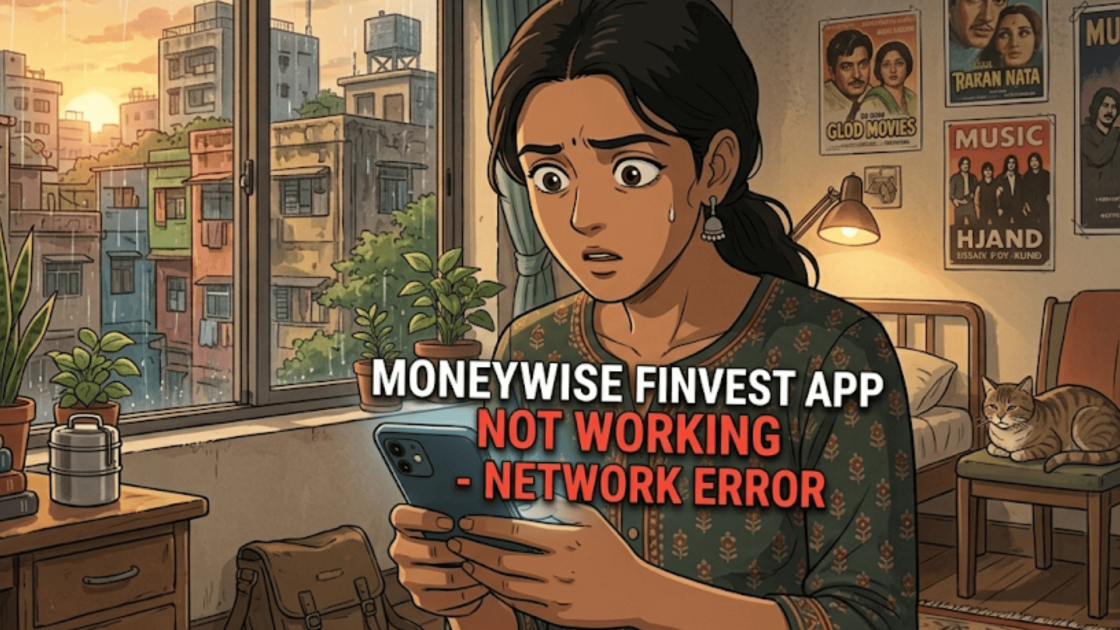
Many traders spend hours preparing for market risks. But there is one thing most traders cannot plan for a trading platform suddenly quitting in the middle of a live session.
You might open the Moneywise Finvest app expecting to place a quick order. Instead, you get an endless loading wheel or a “failed” message for an order you just placed.
In that moment, the panic is not about the app; it is about the uncertainty of your money.
There are several complaints related to the Moneywise Finvest app not working. These issues can directly impact investors and may cause them losses.
Situations like this are “technical glitches.” When a platform cannot let you log in, place orders, or see your account details, it is a major system disruption.
So, let’s understand what a technical glitch is, how it happens, and what steps you can take if you face such an issue.
Moneywise Finvest Technical Glitch Review
Trading platforms in India do not operate in a vacuum; they are watched closely by stock exchanges and SEBI.
Brokers are now legally required to report system disruptions to keep things transparent for investors.
Moneywise Finvest Limited provides access to everything from equity to commodities. However, it has not been immune to technical friction.
A technical glitch in a trading platform occurs when the system temporarily stops functioning as expected because of problems with the software, servers, or network infrastructure that supports online trading.
During such disruptions, users may experience difficulties like the application failing to open, slow or delayed order execution, login problems, or market prices not updating correctly in real time.
These issues often arise when trading platforms face unusually high user activity, server capacity problems, unstable internet connections between the broker and the stock exchange, or errors introduced after new software updates or system changes.
-
Moneywise Finvest Technical Glitch Complaints
Based on the latest records, here is how the grievance data looks for the current period.
| Year | Complaints |
| 2025–26 | 5 |
While “5” might seem like a small number, these represent the official escalations. They do not include the thousands of “app lag” frustrations that traders have not reported.
These records help regulators track which brokers are investing in their tech and which ones are falling behind.
-
Impact of These Complaints on Retail Investors
The impact of a glitch depends on how you invest in the market. If you are a long-term investor, a 20-minute outage is not a problem for you. But if you are an active trader, it is a crisis.
Imagine holding a heavy position during a sudden market crash.
If the app freezes, you cannot exit. By the time it is back online, the price has moved against you, and your stop-loss might have been skipped entirely.
Practical challenges you might face:
- Missing the perfect exit point.
- Being unable to modify a stop-loss as the market shifts.
- Losing out on new “dip-buying” opportunities.
- High stress from not knowing if your order actually went through.
SEBI Framework on Technical Glitches
SEBI has made it clear: “The ‘tech glitch’ excuse is completely the broker’s responsibility.” New guidelines require brokers to monitor their systems in real-time and inform the exchange within two hours of a failure.
Brokers are now expected to have a Disaster Recovery (DR) site. If the main app fails, they should be able to switch you over to a backup system quickly.
They also must provide “Call-and-Trade” facilities so you are not completely locked out of the market.
What To Do To Report a Technical Glitch?
When a trading app stops working during market hours, it can be stressful and confusing.
However, the steps you take immediately after the issue occurs can play a crucial role if you later need to raise a dispute.
Instead of closing the app or ignoring the problem, focus on documenting everything carefully.
1. Documenting the Proof
The moment you notice a technical issue on the trading platform, start collecting evidence.
Take clear screenshots or record your screen showing the error message, the exact time, and the action you were trying to perform, whether it was placing an order, modifying or cancelling a trade, logging in, or checking market charts.
Try to capture the entire screen so the device’s clock is visible along with the error message.
This helps establish the exact timing of the problem, which can be important when explaining the issue later.
2. Try to Reduce Further Loss
If you cannot control your open trades because the platform is unresponsive or orders are stuck, quickly attempt a few basic troubleshooting steps.
You can switch your internet connection from Wi-Fi to mobile data, restart the application, or try logging in through the broker’s web trading platform if available.
These quick actions may help you regain access and reduce potential trading losses.
3. Contact the Broker
If the issue continues, reach out to the broker’s customer support through official channels.
Sharing screenshots or screen recordings can help the support team understand the situation more accurately and may speed up the resolution process.
4. Escalate the Complaint Internally
If the response from customer support is unclear, delayed, or dismisses the issue without a proper explanation, escalate the complaint within the broker’s organisation.
Send a follow-up email referencing your earlier support ticket and include a detailed timeline of the incident along with all supporting evidence.
5. File a complaint on SCORES
If the broker does not resolve your complaint satisfactorily within a reasonable period, typically around 30 days, you can escalate the matter to the regulator.
You can submit your complaint through SEBI, which allows the issue to be tracked under the regulator’s official grievance redressal system.
6. Report a Complaint in NSE
You can also file a complaint with the relevant stock exchange.
Submit all the supporting evidence you collected earlier, including screenshots, order IDs, timestamps, and copies of your communication with the broker.
Stock exchanges maintain dedicated investor grievance redressal mechanisms to help resolve disputes between investors and brokerage members.
7. Lodge a Complaint through SMART ODR
If the issue develops into a formal dispute, for example, if you seek compensation and the broker refuses responsibility, the matter can move to the SMART ODR (Online Dispute Resolution) framework.
This platform enables mediation and conciliation between investors and intermediaries.
If the dispute still remains unresolved, it may ultimately proceed to arbitration within the stock market dispute resolution system.
Need Help?
Technical failures during market hours are exhausting. If you have lost money due to a Moneywise Finvest glitch, you do not have to figure it out alone.
We help investors look through their trade logs, identify exactly where the platform failed, and prepare the right paperwork for a formal complaint.
We can also guide you through the SEBI SCORES complaint process and arbitration process. So, if the complaint process is making you feel overwhelmed, register with us now.
Conclusion
Online trading has made the markets accessible, but it has also made investors dependent on a piece of software.
When that trading platform stops working unexpectedly, even a short disruption can affect trading decisions and create uncertainty.
That is why both regulators and brokerage firms place strong emphasis on monitoring and improving system stability.
For investors, staying aware of how technical glitches occur and knowing how to report them can make such situations easier to manage.