
Quick Summary
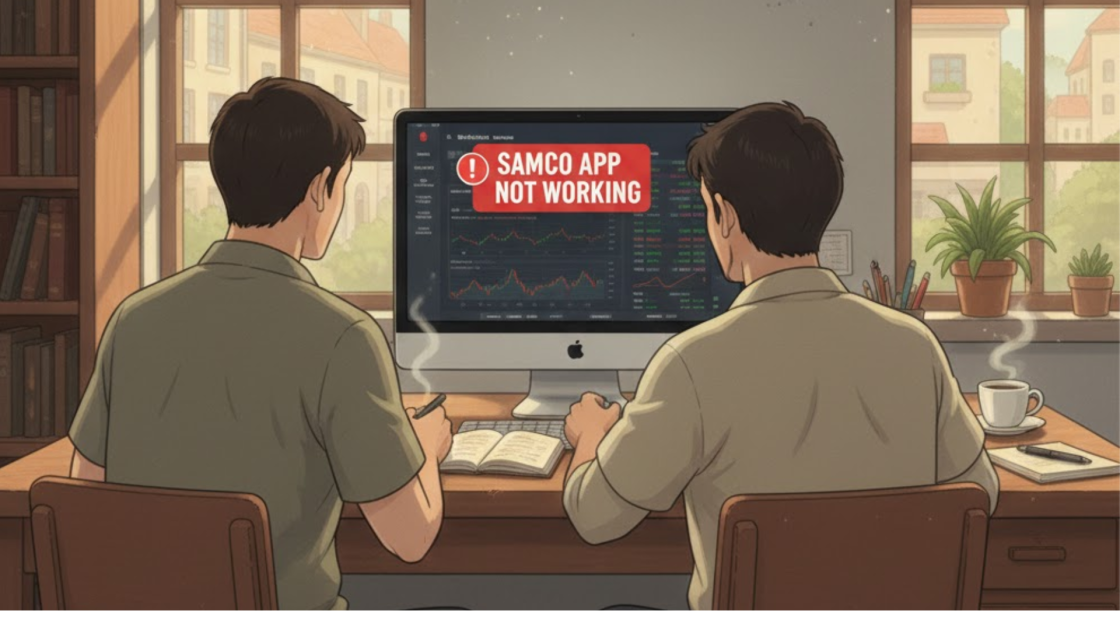
Samco app not working complaints usually come down to one of three things: server overload during high-traffic market hours, a rocky software update, or login failures tied to OTP and verification delays. A recent user review describes frequent crashes affecting basic functions like checking a portfolio or placing an order, and a separate documented complaint on record involves a ledger balance that didn’t carry over correctly between trading days. SEBI requires brokers to report technical glitches to the exchange within two hours and file a full root cause report within fourteen working days. This blog covers why these failures happen, what a real user experience actually looks like, what the rules require Samco to do about it, and exactly how to protect yourself and escalate if a glitch costs you money.
You open the app expecting to place a trade in seconds. Instead, the screen hangs, the portfolio won’t load, and the market keeps moving without you.
That’s not a rare complaint about Samco’s trading app.
It shows up in user reviews, in complaint records, and in the plain fact that a broker this size still gets flagged for it regularly.
This blog looks at what’s actually behind that, why it happens, what SEBI requires a broker to do when it does, and what you should do the moment it costs you a trade.
Why Does the Samco App Actually Stop Working?
Most people assume an app failure means something catastrophic happened behind the scenes. Usually, it doesn’t. It just means one part of a fairly complicated system got overloaded or misconfigured for a while.
A trading app isn’t one piece of software; it’s several systems talking to each other at once. Your phone, Samco’s servers, the exchange’s own data feed, and whatever network sits between all three.
When any one part slows down, you feel it as a freeze, a crash, or a screen that just won’t load. Three things tend to cause it, and none of them are actually mysterious once you break them apart.
1. Market Hours Put Unusual Pressure On All Of This
Unlike most apps, this one gets hammered at very specific, predictable times: the open, big news moments, expiry days. Thousands of people are all trying to do the same thing within the same few minutes.
That kind of spike is exactly when a server that handled yesterday’s quiet afternoon just fine starts to buckle.
2. Updates Are A Double-Edged Sword
They’re meant to fix bugs and improve speed, but a poorly tested rollout can introduce new problems right when you least expect it, sometimes on the exact day you actually needed the app to behave.
3. Login Failures Often Aren’t Really About The App At All
An OTP that doesn’t arrive fast enough, a fingerprint scan that fails twice, a few too many wrong password attempts, any of these can lock you out for a few minutes at the worst possible time, and it feels like the app failed even when the actual bottleneck was somewhere else entirely.
Samco App Not Working User Reviews
Star ratings tell you almost nothing on their own.
What actually matters is what people write underneath them, and two recent reviews are worth reading in full rather than summarised away.
1. Every Update Seems to Break Something New
A one-star review from 14 September 2026 describes a pattern that’s arguably worse than a single bad update; it’s a repeated one.
The reviewer says that with each new release, Samco keeps adding fresh critical bugs rather than fixing existing ones.

Specifically, saved recommendation preferences reportedly get reset to off after an update, charts stop working properly, and minimizing then reopening the app causes every indicator dropdown to expand on its own.
The reviewer also flags that the app’s integration with TradingView is unreliable, with point-and-figure chart box sizes failing to save across views.
None of this is a one-time crash.
It’s a description of a development process where each fix seems to introduce a new problem, and for anyone relying on saved chart setups or indicator preferences during active trading, that’s not a cosmetic annoyance; it’s losing your own configured workspace every time you close and reopen the app.
2. An Account Closure Request That Wouldn’t Close
A separate one-star review from 1 August 2026 raises a different kind of concern entirely: not a technical bug, but an account still active after the user tried to shut it down.
The reviewer states they submitted a request to close their Samco trading account four to five days earlier. According to the review, Samco messaged back saying the closure was in process, but the account remained fully active regardless.

The reviewer’s own words for this were blunt, calling the app “fake” and “fraud” and warning others not to open an account.
Those are strong terms, and they reflect this one user’s frustration rather than a confirmed regulatory finding; there’s no SEBI order or arbitration case establishing account closure fraud against Samco.
But the underlying complaint itself, a closure request acknowledged but not actually processed, is specific and traceable, not a vague accusation.
If you’re in a similar position, a request to close an account that stays open matters for a practical reason beyond inconvenience: as long as the account is active, you may remain exposed to whatever charges, notifications, or liability come with it, even after you’ve asked, in writing, for it to end.
Taken together, these two reviews point to different problems, one about the platform’s stability under its own update cycle, the other about whether a basic account request actually gets honoured once submitted.
Neither confirms a widespread pattern on its own, but both are specific enough, and recent enough, to take seriously if you’re currently using the app.
Did the Samco app freeze or crash right when you needed to exit a trade?
Our team will review your evidence, checks it against SEBI’s own glitch-reporting timeline, and helps you file a complaint built to actually get a response.
What Is Samco Required to Do When Its App Actually Fails?
This isn’t left entirely to a broker’s own judgment.
SEBI has a specific framework for exactly this situation, and it applies to every broker, not just Samco.
- Report to the exchange within two hours. The moment a broker detects a genuine technical glitch, it has two hours to notify the exchange. This isn’t a suggestion; it’s a hard deadline.
- Tell clients directly. Through the website, an app notification, SMS, or email, silence isn’t an acceptable response to a known outage.
- File a preliminary report by the next trading day. A short account of what happened, submitted fast enough that the exchange can act on it if needed.
- Submit a full root cause analysis within fourteen working days. This is the deeper investigation, what actually caused the failure, and what’s being done to stop it from happening again.
None of this guarantees a broker will always get it right in real time. But it does mean there’s a real, enforceable trail if something goes wrong and Samco doesn’t follow through.
That trail becomes useful the moment you need to prove a failure actually happened and wasn’t just your imagination.
And app failures are only one slice of what gets reported against Samco; our page on Samco Securities complaints covers the fuller picture across every complaint category.
Also Read: Aditya Birla Money app not working today, and the slow loading or login failure that may be behind it.
What Should You Do the Moment the App Fails on You?
The instinct is to keep refreshing and hope it comes back.
Do that, but also do this at the same time.
- Screenshot everything, immediately. The error message, the frozen screen, the time on your phone’s clock next to it. If you can screen record instead, even better, since it captures the exact sequence rather than a single frozen moment.
- Write down the timeline as it happens, not from memory later. When it started, what you were trying to do, and when it resolved. SEBI treats an outage lasting five minutes or more as a reportable glitch, so the exact duration genuinely matters.
- Contact Samco in writing, not just a phone call. Email or an in-app ticket, with your screenshots attached and a clear description of what happened and when.
- Check whether the exchange has any public record of the incident. If enough users were affected, it sometimes shows up in exchange disclosures, which strengthens your case considerably if you need to escalate.
How To Escalate if a Samco Glitch Actually Cost You Money?
A frozen app during a losing trade isn’t just annoying; it can mean money you can’t get back through customer support alone.
If Samco’s own response doesn’t resolve it, here’s where this actually goes next:
- A SEBI SCORES complaint puts your case directly in front of the regulator, with your screenshots and timeline as the evidence backing it up.
- If your trades ran through that exchange specifically, a BSE complaint lets the exchange’s own grievance desk look into it independently of whatever Samco tells you.
- Where the dispute needs a faster, more structured path than back-and-forth emails, SMART ODR registration moves things into online conciliation between you and the broker.
- And if the loss was significant and nothing above resolves it, share market arbitration puts the matter in front of an independent panel that weighs your documented timeline against whatever the broker claims happened.
For the complete process from your first written complaint through to final escalation, our guide on complaint against stock broker SEBI covers every stage in more depth.
Conclusion
App failures on a trading platform aren’t automatically a scandal. Servers get overloaded, updates go wrong, and logins fail for reasons that have nothing to do with malice.
What matters is what happens after. Whether the broker actually follows the reporting rules it’s bound by, and whether you’ve documented things well enough to hold them to it if they don’t.
If the Samco app has failed you during a trade that mattered, don’t just move on and hope it doesn’t happen again.
Screenshot it, timestamp it, and decide from there whether it’s worth pushing further.
Report. Recover. Stay Fraud Free.
Usually server overload during high-traffic periods, a recent software update that introduced bugs, or login failures tied to OTP or verification delays, not one single cause every time. Two hours from when the glitch is detected, followed by a preliminary report by the next trading day and a full root cause analysis within fourteen working days. Only if it meets SEBI's threshold, generally trading functions being disrupted for five minutes or more. Shorter delays may still be worth documenting even if they don't meet the formal reporting bar. Screenshot the error immediately with the time visible, write down the timeline as it happens, and contact Samco in writing the same day, not just by phone. Possibly, through SCORES, the exchange, or arbitration, but you'll need clear, timestamped evidence. Vague complaints without documentation rarely go anywhere.Frequently Asked Questions




 Add us as a preferred source on Google »

