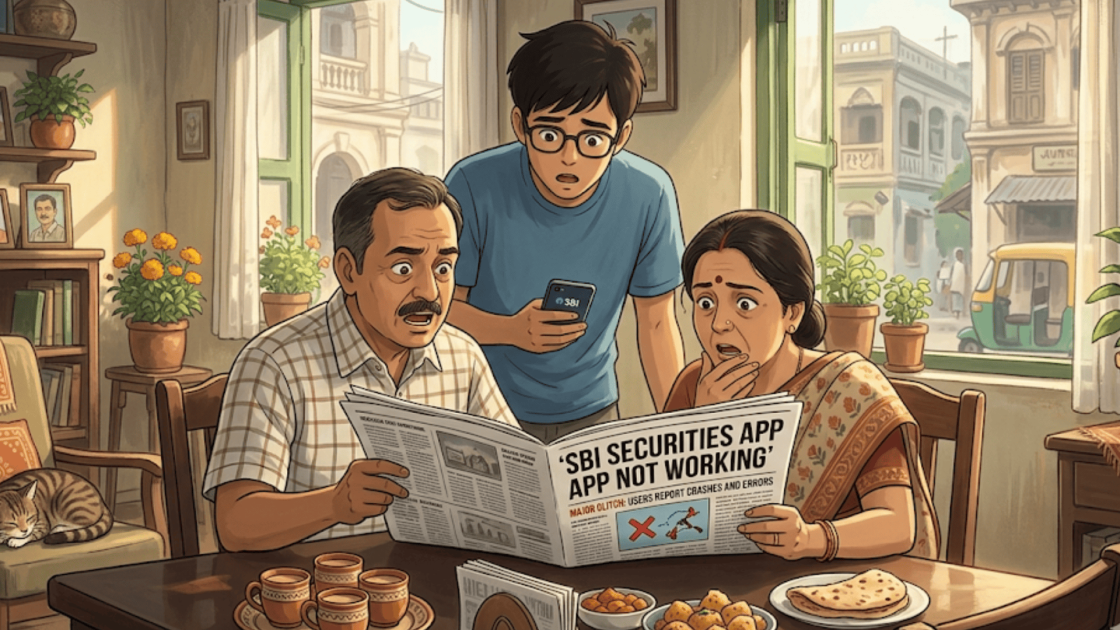
Imagine a trader watches the market closely on the screen as prices move rapidly.
Just as the perfect moment to place a trade appears, the app freezes.
The numbers stop updating, the order button refuses to respond, and a loading symbol spins endlessly.
Seconds feel unusually long. Is it the internet, the platform, or something deeper behind the scenes?
Have you ever wondered what you would do in such a case?
Well, look no further. We are here to ease all your doubts and concerns.
Let us take a look at why the SBI Securities app is not working.
SBI Securities Technical Glitch Complaints
SBI Securities is a well-known investment and brokerage platform that provides a broad range of trading and investment services for individuals looking to participate in the financial markets.
Through its integrated digital ecosystem, investors can access equity and derivatives trading, mutual fund investments, IPO applications, bonds, and ETFs.
The platform also offers research insights, portfolio tracking tools, and seamless connectivity with banking and demat accounts.
It helps users manage investments efficiently while exploring diversified opportunities across different market segments.
Although SBI Securities offers a wide range of services, some users may feel dissatisfied due to technical glitches on the platform.
Let’s dive deeper into this topic to understand what exactly goes on behind-the-scenes of broking platforms and how it impacts their users.
Complaint Data
When a trading platform or broker faces a system failure, it can affect investors’ ability to trade.
By requiring brokers to report and record these glitches, the exchange can monitor whether the problem was a one-time issue or something that keeps happening.
Here is what NSE says about SBI Securities in the matter of a technical glitch:
| Year | No. of Technical Glitches |
| 2023-24 | 6 |
| 2024-25 | 3 |
Although the number of glitches was cut in half in the later years, 3 is still not small. Three glitches in one year is actually very concerning.
In 2023–24, SBI Securities had approximately 863,824 clients.
Although not every user may have been actively using the trading platform during each technical issue.
The large number of glitches reported that year suggests that a significant portion of users were likely affected in some way.
Given the frequency of these disruptions, it is reasonable to assume that many investors experienced some level of impact.
Technical Glitch in the Sharemarket
Online platforms feel instant and reliable most of the time, but they are still complex technological systems.
When millions of traders use them simultaneously, small technical issues can quickly become noticeable.
Heavy user traffic during major market events may overload servers and slow the platform. Server or infrastructure failures can also temporarily disrupt services.
Delays in market data feeds also prevent prices from updating in real time.
Additionally, problems on the user’s side, such as slow internet, unstable Wi-Fi, or outdated app versions, can also affect the app’s performance and responsiveness.
How To Report a Technical Glitch in India?
If the app or website crashes, you can complain against it to the authorities irrespective of how much loss you faced.
Here’s what you have to do:
1. Gather Evidence
Start by recording everything. Screen-record the frozen screen, note the time and day, screenshot any error messages or warnings, etc.
Proper documentation helps create a clear timeline of events and strengthens the foundation of your case when explaining the problem to the broker or regulatory authorities.
2. Contact the Broker
Once you have gathered the necessary evidence, contact your broker and inform them about the issue immediately.
Provide all relevant details and evidence, and clearly explain what happened.
In many cases, brokers are able to review system logs, identify the error, and resolve the matter or provide clarification within a reasonable time.
3. Complain to SEBI
If the broker cannot adequately resolve your issue, you can escalate the matter by filing a complaint through SCORES, the official grievance redressal platform of SEBI.
Doing so forces the broker to acknowledge and respond to your complaint formally within the regulatory framework.
4. Escalate and File an Arbitration
If the matter remains unresolved, you may escalate it further by raising the complaint in SMART ODR.
In further process, you can file an arbitration in the stock market.
Arbitration allows an independent authority to review the dispute between the investor and the broker.
Need Help?
Technical glitches can be scary, especially considering that they affect your ability to place or manage trades.
If you have experienced such an issue, register with us.
We can assist you in reviewing your trading records, documenting the incident, preparing a proper complaint, and monitoring SEBI complaint status online.
From drafting formal representations to escalating the matter through the appropriate regulatory channels, we help ensure your concern is clearly presented and properly addressed.
Conclusion
In fast-moving financial markets, even brief disruptions on trading platforms can create uncertainty for investors.
Understanding that such issues may arise due to technical or operational factors helps traders respond more calmly and systematically.
At the same time, users should remain aware of their rights and the grievance mechanisms available through brokers and regulators.
By documenting issues properly and taking timely action, investors can protect their interests while ensuring that concerns related to platform reliability are formally addressed.