Quick Summary
Your data fetching minions ran into an error” is Groww’s way of saying the app cannot retrieve live data from its backend servers. It appears most often during IPO subscription windows and high-traffic market events. The September 9 2024 IPO incident left thousands of users unable to apply during a live window. Seven fixes resolve it in most cases. If the error caused a missed IPO application, a failed trade, or a financial loss, a formal complaint path exists and is free to use.
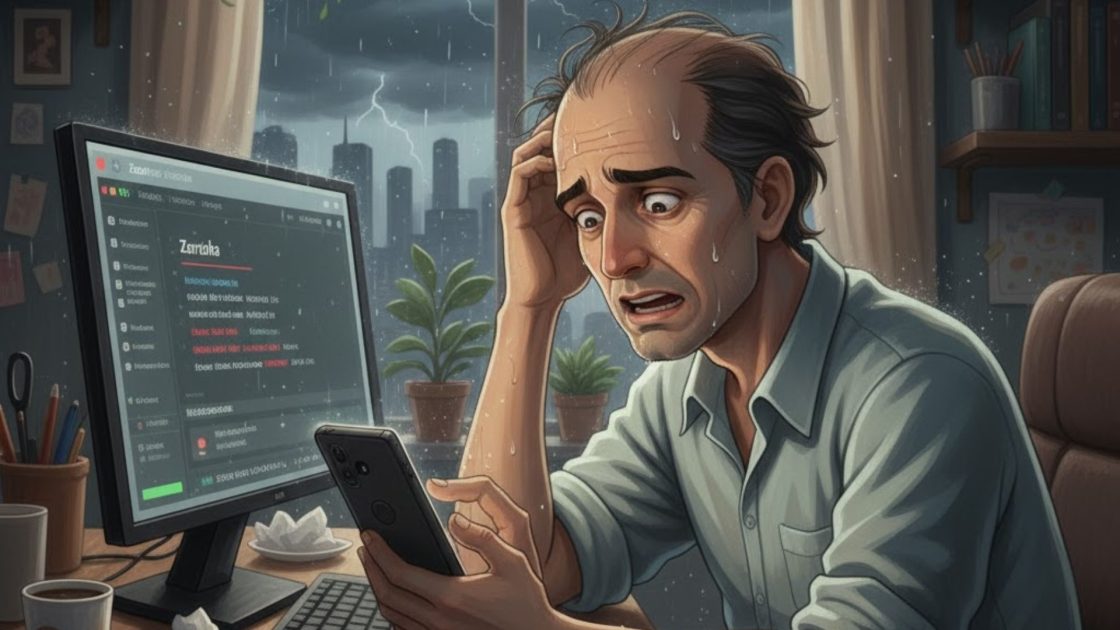
You opened Groww to apply for an IPO before the cutoff. The screen showed: “Our data fetching minions ran into an error. Try again.”
The IPO page went blank. The application status stopped updating. The clock kept moving.
This error is not random. It appears at the worst possible moment because it is triggered by exactly the conditions that bring the most investors to the app at the same time.
This page covers what the error means, why it happens, how to fix it in minutes, and what to do if it caused you a financial loss.
What This Error Means
This error message appears when the Groww app is unable to load live data for you.
“Our data fetching minions ran into an error” means there is a problem fetching data from Groww’s servers.
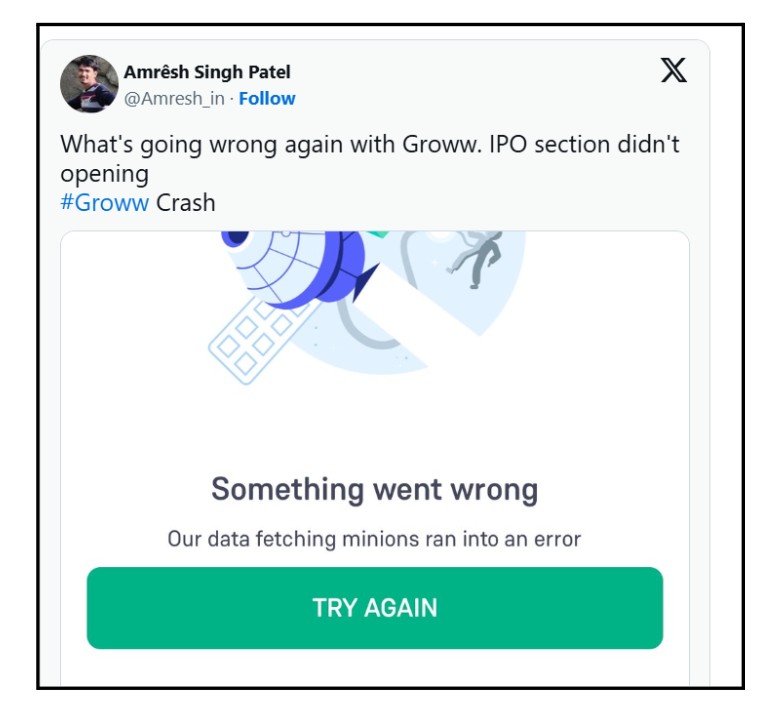
The app needs real-time information such as IPO status, stock prices, or chart data, but it isn’t receiving it.
This error often occurs when: A large number of users are using the app at the same time, such as during an IPO subscription. Groww’s servers are overloaded. Your phone’s internet connection is weak. The app needs an update.
This is not a serious problem. In most cases, it gets resolved using the steps below.
Why This Error Appears When It Does
The error is not a sign that something is permanently wrong with your account. It is a data connection failure between the app and Groww’s backend servers.
Four specific situations trigger it most often.
- High traffic on the IPO page. When a significant IPO opens for subscription, thousands of investors try to access the same page simultaneously. Groww’s infrastructure slows under that load and the data pipeline breaks for some users.
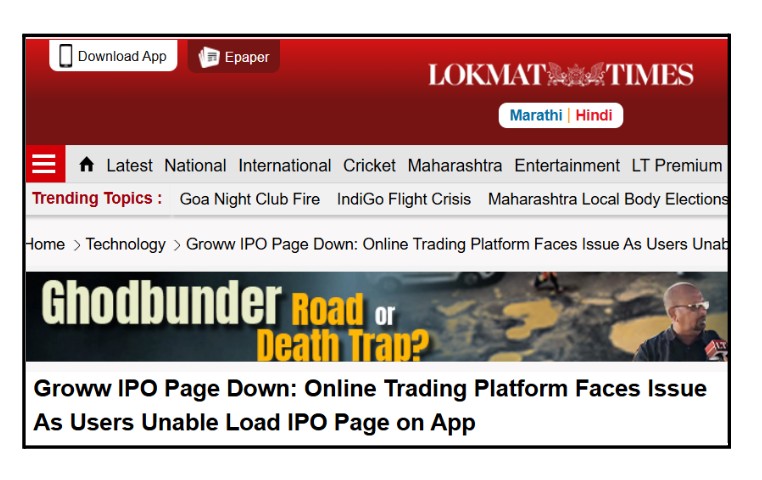
- Server-level technical issue. On September 9 2024, Groww app technical glitch stopped users from accessing the IPO page on both the app and the website. The error message “Something went wrong. Our data fetching minions ran into an error. Try again.” appeared instead of IPO details. This was a Groww-side infrastructure failure, not a user error.

- Weak internet connection. A slow or unstable connection between your phone and Groww’s servers can interrupt the data flow and trigger the same error message.
-
Outdated app version. An older version of the app may have connectivity issues that a newer version has already resolved.
How to Fix It: 7 Steps in Order
Try each step in the order listed. Most users resolve the error within the first three steps. These steps work for both the IPO error and the general data fetching error on any part of the app.
Before trying any fix, check whether the problem is on Groww’s side or yours. If multiple users are reporting the same error at the same time on social media, it is a Groww server issue and you need to wait rather than troubleshoot your device.
Step 1: Check your internet connection. Switch between mobile data and Wi-Fi and try again. A weak signal is the most common cause of this error.
Step 2: Restart the app. Fully close Groww, not just minimize it, and reopen it. This refreshes the app’s connection to Groww’s servers.
Step 3: Update the app. Go to Google Play or the App Store. Check if a Groww update is available and install it. Updates often fix known connectivity issues.
Step 4: Clear cache on Android. Go to Settings, then Apps, then Groww, then Storage. Tap Clear Cache. This removes temporary files that can interfere with data loading. Note that this does not delete your account data.
Step 5: Restart your device. A full phone restart clears background processes that may be interfering with the app’s data connections.
Step 6: Reinstall the app. Uninstall Groww completely, then reinstall it from the store. This ensures a clean installation without corrupted files.
Step 7: Contact Groww support. If none of the above steps work, the issue is on Groww’s side. Contact support through the in-app Help section. Include a screenshot of the error, the date and time it appeared, and the section of the app where it appeared.
If nothing helps, then escalate check how to file a complaint against Groww app.
When This Error Costs You Money
Most of the time, this error is an inconvenience. But in two specific situations, it crosses into financial loss territory.
- Missed IPO application. If such Groww app issues appeared during an IPO subscription window and you were unable to apply before the cutoff, that is a direct financial consequence of the platform’s failure. You had the intent, the funds, and the time. The app blocked the action.
- Failed trade during market hours. If you were trying to place or exit a trade and the error prevented execution, and the price moved against you during the time the app was down, that gap between the price at which you tried to act and the price at which you eventually could is a calculable loss.
In both situations, Groww is responsible under SEBI’s broker liability framework. A trading platform’s technical failure that prevents a client from executing an intended transaction is not a risk the client agreed to bear.
Groww is obligated to maintain a reliable platform and to compensate investors for losses caused by platform failures.
Groww paid Rs. 34.12 lakh to SEBI in May 2025 to settle a case arising from the January 23 2024 outage. The settlement covered Groww’s failure to report through SEBI’s LAMA logging system and having no backup telephone lines, terminals, or staff during the outage period.
Groww settled without admitting or denying the findings
That settlement was not an admission of fault, but it confirms that SEBI takes platform failure complaints seriously and that formal complaints against Groww produce outcomes.
If the data fetching error caused you a financial loss, the formal complaint path starts with documenting what happened and ends with an arbitration award if needed.
The complete process covering what evidence to collect, how to file with Groww first, how to escalate to SEBI SCORES, and what the refund process looks like for technical glitch losses is on the Groww technical glitch refund page on this site.
If you lost money because Groww’s app failed at a critical moment and you want someone to review your case and file on your behalf, we handle documentation, SEBI SCORES filing, and representation through SMART ODR and arbitration.
Register with us for a free consultation.
Conclusion
The data fetching minions error means Groww cannot load live data. It appears during high-traffic events like IPO subscriptions because the infrastructure gets overwhelmed. Seven steps fix it in most cases. The September 9, 2024 incident showed that this is a recurring platform-side issue, not always something you can resolve on your device.
If the error cost you money, the complaint path exists and is free. Groww’s Rs. 34.12 lakh SEBI settlement shows formal complaints work.
For all other Groww app problems beyond this specific error, the Groww app issues page on this site covers the full range of problems and what to do for each one.
Frequently Asked Questions
IPO subscription windows bring thousands of investors to the same page at the same time. Groww's servers experience peak load during these windows. When the infrastructure cannot handle the simultaneous requests, data flow breaks for some users and the minions error message appears instead of the IPO page.
Yes, if you can document that the error appeared during the subscription window, that you had the funds available, and that the platform's failure prevented your application. File a formal complaint with Groww first. If unresolved, escalate to SEBI SCORES.
If it is a Groww server issue, it typically resolves within minutes to a few hours once Groww addresses the infrastructure problem. If it is a local device issue, the seven steps listed above usually fix it within minutes.
This error specifically means the data pipeline has broken, the app can launch but cannot retrieve live data. Groww being completely down means the app itself cannot load. The data fetching minions error is usually partial and fixes faster than a full outage.