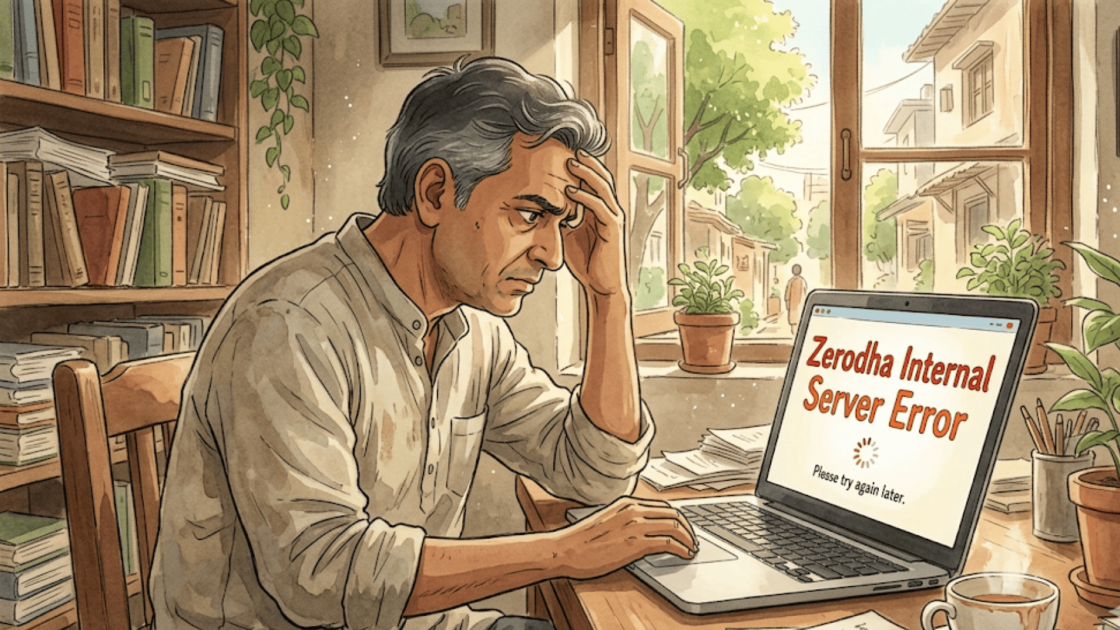
Imagine you are two minutes into the market opening, with a critical sell order ready to place, when your screen suddenly stops responding.
A blank page loads in its place, displaying nothing but the words “Internal Server Error.” You refresh the page, check your connection, and try again but nothing changes.
Meanwhile, the stock price is already moving.
You are locked out of the platform at precisely the moment you needed it most, unable to execute your trade or manage your position.
It is a frustrating and costly experience, and unfortunately, one that more traders are becoming familiar with.
This is an internal server error.
Basically, when something goes wrong on a broker’s end and the system simply cannot figure out how to fix it or explain it to you.
From your side, all you see is a blank screen and an error message, right when you need the platform most.
Zerodha Complaint Overview
Zerodha is India’s largest retail stockbroker, known for its low-cost, technology-first platform Kite, which has played a big role in bringing millions of first-time investors into the stock market.
As the platform has scaled rapidly, managing client grievances has become increasingly critical to maintaining trust.
Why Does Internal Server Error Happen?
Internal server errors usually happen because of a bug in the website’s code, a misconfigured server setting, or a database that stopped responding at the wrong moment.
In the high-stakes world of finance, this is more than just a minor annoyance.
A technical glitch in stock market platforms can prevent thousands of traders from exiting positions or seeing real-time price updates, leading to massive financial panic.
Sometimes it’s a file that’s missing, a permission that got accidentally revoked, or simply too many people hitting the server at the same time and overwhelming it.
It can also happen after a bad software update that introduced a new bug or if your own internet connection is a little weak.
Basically, the server expected everything to be in order, found that it wasn’t, panicked a little, and sent you that frustrating error instead of the page you were looking for.
Exchange Complaint Data
This analysis reviews Zerodha’s Exchange Complaint Data from 2022–23 to 2025–26, focusing on how complaint volumes have evolved over time.
It examines what these trends reveal about the platform’s service quality. The aim is to understand the experience of everyday investors using Zerodha.
| Financial year |
Total clients |
Total complaints | Server related complaints |
% of server complaints w.r.t. Total complaints |
| 2022-23 |
7287148 |
446 | Around 82 |
18.38 |
| 2023-24 |
7287148 |
567 | Around 350 |
61.72 |
| 2024-25 |
7888964 |
1075 | Around 595 |
55.34 |
| 2025-26 |
6862233 |
734 | Around 479 |
65.25 |
At first glance, the number of clients stays fairly high, but complaints rise sharply over the years, especially jumping in 2024–25 before dropping a bit in 2025–26.
What’s more worrying is that server-related complaints make up a growing share, going from under 20% to over 65%, which suggests a persistent technical weakness.
Overall, this points to a system that’s struggling to keep up with demand, and if server issues aren’t fixed, user frustration could continue to build.
Internal server errors could also be attributed to technical glitches which is why we must look at the data regarding the same as well:
| Financial year | No. of technical glitches |
| 2023-24 | 8 |
| 2024-25 | 2 |
The number of technical glitches drops from 8 in 2023–24 to just 2 in 2024–25, which might look like an improvement on the surface.
This gap raises concerns that glitches may be underreported or that bigger underlying issues aren’t being captured properly, which could hide the real problem.
How to Avoid Internal Server Error?
Unfortunately, internal server errors are not something you as a user can prevent.
They happen on the broker’s end, not yours.
You can start by ensuring your internet connection is stable and that your browser or app is up to date.
It also helps to avoid using the platform during peak hours, such as market opening and closing. These are the times when servers are more likely to get overloaded.
If you face one during a critical trade, immediately call your broker’s support line and document the error with a screenshot.
What Can You Do If You Get an Error Message?
If your broker’s platform throws an internal server error at a critical moment, the first thing to do is take a screenshot immediately, that timestamp and error message is your evidence.
Try refreshing the page or switching to the broker’s mobile app or another device to see if the issue is isolated.
If the problem persists and you are unable to execute a time-sensitive trade, call your broker’s trading desk right away and place the order over the phone, making sure to note down the time, the representative’s name, and the order details.
If you end up suffering a loss because of the outage, raise a formal complaint with your broker or SEBI citing the server error.
How to Complaint Against Zerodha?
If you think your broker has been using your money without asking you, here’s what you should do:
1. Capture Evidence Immediately
The moment you encounter an internal server error, take clear screenshots showing the error message, timestamp, and your open positions or pending orders.
This acts as primary proof that the issue occurred at a critical moment and was not caused by user action.
2. Attempt Alternate Access and Note the Impact
Try logging in through another device, browser, or the mobile app to confirm whether the issue is platform-wide.
At the same time, note down what you were trying to do (buy/sell/modify) and how the delay or failure impacted your trade.
3. Contact the Broker’s Support or Trading Desk
Immediately reach out to your broker’s official support team or trading desk, especially if the issue is time-sensitive.
If available, place your order over the phone and request confirmation details to ensure your intent is recorded.
4. File a Formal Complaint with the Broker
Once the situation stabilises, submit a written complaint through the broker’s official grievance channel.
Attach all evidence, including screenshots, order details, and a clear explanation of the financial impact you faced.
5. File a Complaint in SCORES
If the broker’s response is delayed or unsatisfactory, escalate the matter through SEBI’s SCORES platform.
This ensures regulatory oversight and requires the broker to respond within a defined timeframe.
6. Consider Arbitration if Losses Are Significant
In cases involving substantial financial loss, you can initiate arbitration in the stock market.
An independent panel will review the evidence and issue a binding decision, providing a structured path to resolution.
Need Help?
Feeling lost in all of this?
Honestly, dealing with a dodgy broker situation is stressful and figuring out the right steps while also managing your own anxiety about your money isn’t easy.
From making sense of your transactions to putting together a watertight complaint, it can quickly feel like too much to handle alone.
But with the right guidance by your side, you can navigate this with confidence and genuinely improve your chances of getting a fair outcome.
Reach out to us today, we’ll take it from here.
Conclusion
At the end of the day, a platform as large as Zerodha carries a serious responsibility toward its users and the data makes it clear that there is still meaningful ground to cover.
While most technical issues get resolved quickly, repeated glitches or financial losses should not be ignored.
Knowing when to file a Zerodha complaint to SEBI can help protect your rights as an investor.
If you have faced something similar, know that you are not alone and that there are legitimate steps you can take. You do not have to simply absorb the loss and move on.