Technical Glitch

Illustration showing a Groww app user facing the data fetching minions error screen on mobile

Groww “Data Fetching Minions Ran Into an Error” का मतलब क्या है और क्या करना चाहिए

आपने Groww ऐप खोला, IPO apply करने की कोशिश की, और स्क्रीन पर आया: “Our data fetching minions ran into an error. Try again.” IPO पेज blank हो गया। Status update बंद हो गया। Time खत्म होता रहा। अगर आपके साथ ऐसा हुआ है, तो आप अकेले नहीं हैं। 9 सितंबर 2024 को हज़ारों Groww […]

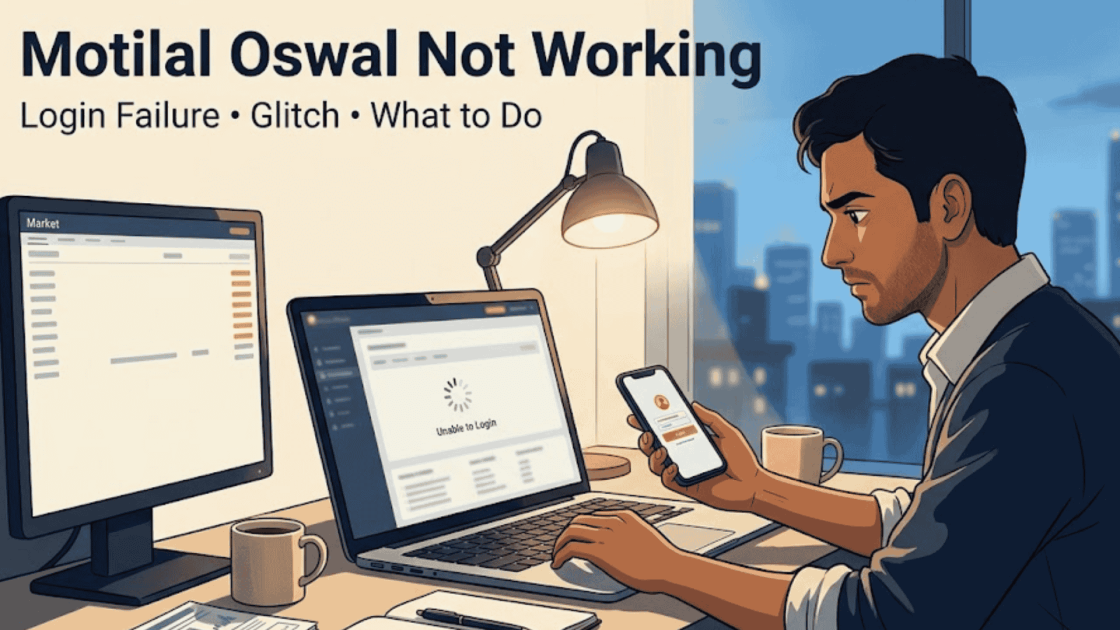
Demat Account Issue

Demat Account Issue: How To Take Action Against Such Problem?

You’re ready to place a trade, the market is moving, and suddenly your demat account won’t cooperate. A login error, a mysterious “frozen” status, a transfer that just gets rejected. In that moment it stops feeling like a gateway to your investments and starts feeling like a locked door. Here’s the thing most people don’t

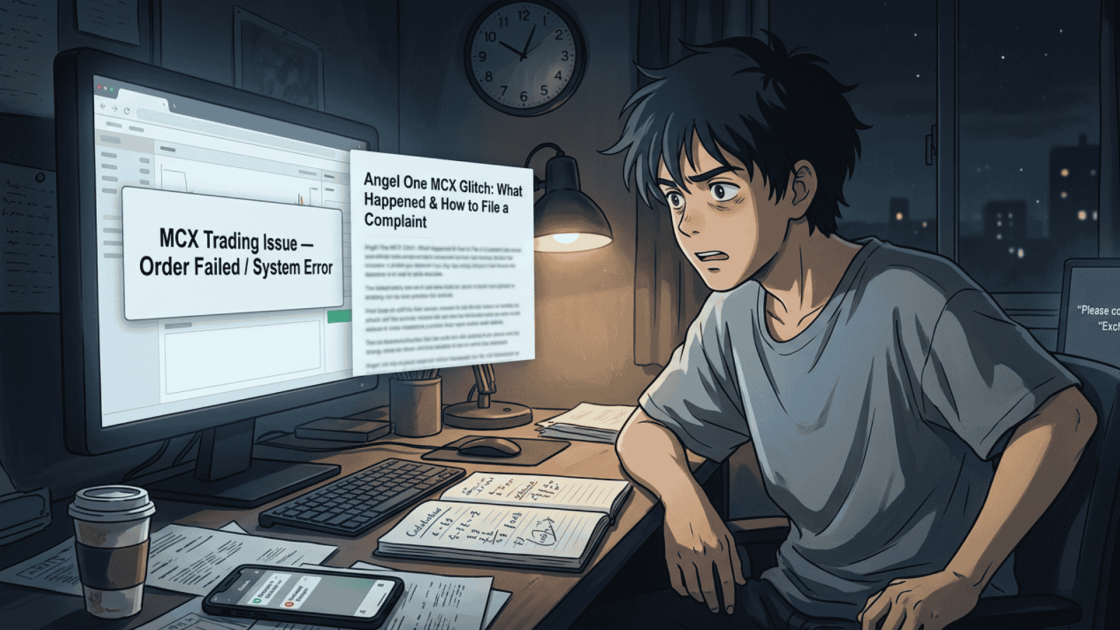
Angel One MCX Glitch

Angel One MCX Glitch: File Complaint Now!

Did you lose money because of Angel One MCX glitch? You are not alone. Keep reading, we will tell you exactly what to do. Imagine this. You are sitting in front of your phone or computer. You see a good trade. You press the button to buy or sell. Nothing happens. The app freezes. Or

How to Fix Loss Due to Technical Glitch

How to Fix Loss Due to Technical Glitch: Step by Step Process

Your trade was running at a profit. You tried to exit. The order got rejected, again and again. By the time the system came back to life, the market had already moved against you. You’re staring at a loss that didn’t have to happen. Sound familiar? Technical glitches in trading platforms are more common than

MCX Not Working

MCX Not Working: How Can Traders Report Such Issues?

Imagine this: it’s commodity trading hours. The commodity market is open. Gold is moving. You need to exit a position, now. You hit the button. Nothing happens. You refresh your trading app, and the screen is frozen.  By the time the system comes back online, the price has moved ₹2,000. Your stop-loss never fired. The

MCX Complaints

MCX Complaints: How To Register A Case Online?

Every second matters when you’re trading commodities. A delayed order, a frozen screen, or a platform that refuses to load isn’t just a minor technical glitch; it can cost you real money within minutes. For traders dealing in gold, silver, crude oil, or base metals, even a brief disruption during market hours can mean missed

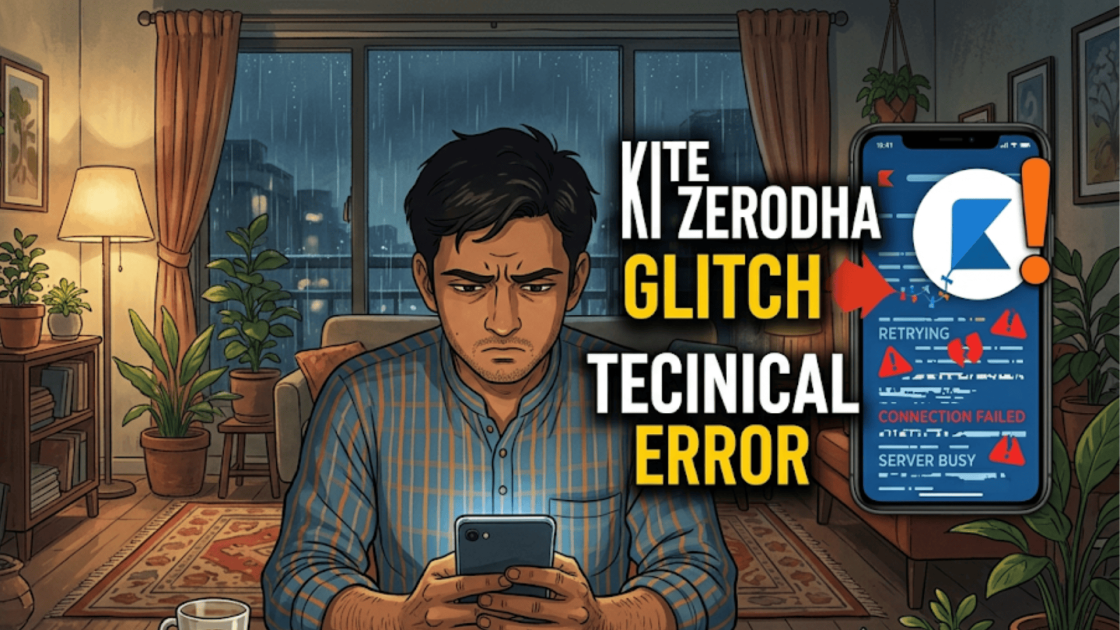
Kite Zerodha Glitch

Kite Zerodha Glitch: How To Report Such Issues?

Let’s be honest, a freezing screen at the worst possible moment is every trader’s nightmare. Picture this: you’ve spotted the perfect entry point, your finger is hovering over the “Buy” button, and then, nothing. The app just hangs. That spinning wheel of doom shows up, and suddenly your heart is racing faster than the market

MCX Glitch

MCX Glitch: What Really Happened on March 17, 2026?

On March 17, 2026, a number of commodity traders reported unexpected problems while trading on platforms connected to MCX (Multi-Commodity Exchange). Orders weren’t going through. Stop-losses were misfiring. Some traders couldn’t even log in. What made it worse?  There was no official statement from MCX. No media coverage. No acknowledgement anywhere. If you were one

Sharekhan App Not Working

Sharekhan App Not Working: How Do I Report Such Issues?

Many traders realise something is wrong only after the market opens. You log in to the trading app to place an order, but the app keeps loading, the login fails, or the order does not go through. When this happens, the first reaction is usually to search online for “Sharekhan app not working” to check

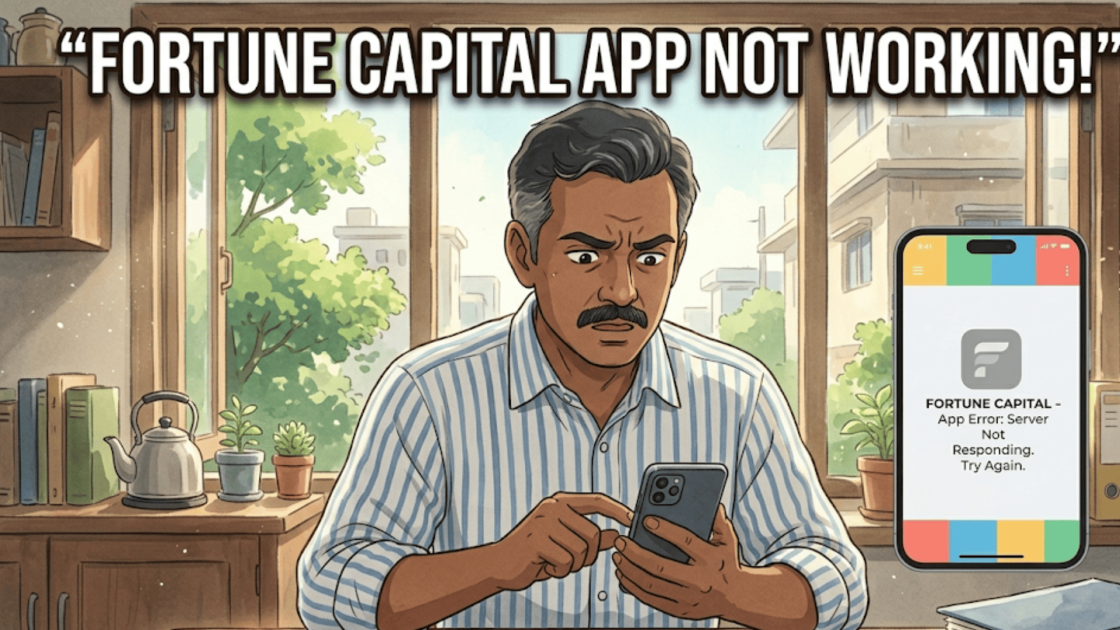
Fortune Capital App Not Working

Fortune Capital App Not Working: Steps To Report Such Issue

You open your trading app during market hours, ready to place or exit a trade. But instead of loading normally, the platform slows down, fails to log in, or does not execute orders. Situations like this can feel frustrating, especially when markets move quickly and traders need to act in real time. Some investors report

loader

FraudFree Support

We're online — reply instantly
Scroll to Top